Financial statements
Year-end close or financial statement only
Choose between a complete year-end close and the experimental statement-only workflow.
Last verified:
Jahresabschluss is the closing process, including checks, adjustments, documentation, and the Jahresrechnung. The Jahresrechnung is the financial statement produced from the accounting records. Generating it does not itself complete the underlying closing work.
Choose the scope
| Workflow | When to use it | Output |
|---|---|---|
| Closing + financial statement | Perform the closing work and prepare the financial statement in Didyma. | Financial statement, closing workpapers, and a finalized compliance pack. |
| Financial statement | A very simple client whose accounting and closing work are already completed outside Didyma. | Prepare and export the financial statement and disclosures. |
The statement-only workflow is experimental. Contact support to enable it for your organization. If you cannot see the Workflow field, ask support; connecting an accounting system does not enable this feature.
Set the client workflow
After support enables the feature:
- Open the client’s Client Info and edit its basic information.
- Find Workflow.
- Choose Financial statement for statement-only work, or Closing + financial statement for a complete close.
- Save the client details.
- Open Financial statement in the client navigation (or Year-End Close for a complete close), then choose New financial statement (or New Close for a complete close), and check the financial year and reporting dates before creating the new form.
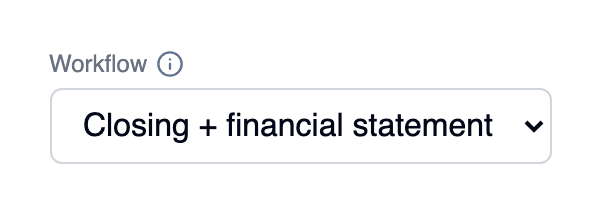
The actual Workflow control with the complete closing process selected.
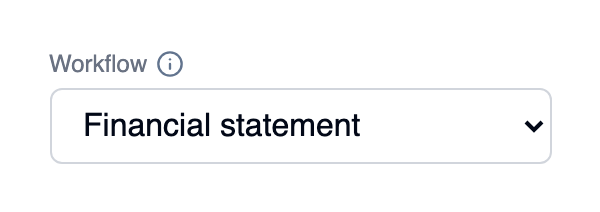
Select Financial statement for the experimental statement-only workflow. These screenshots show the control in isolation; it appears in Client Info after activation.
The client setting determines the type of newly created statements. Do not assume changing it converts an existing form; create a new form and check its workflow.
Prepare the financial statement
Import the completed accounting data, check the account mapping and figures, complete the relevant disclosures, and prepare the Report. The statement-only workflow keeps the review tools and limits the checklist to disclosures. The complete closing checks are not run in this mode. The client navigation changes from Year-End Close to Financial statement, and Period Close is not offered for this client. The separate Finalize step for the closing compliance pack is omitted.
Review the PDF or Word export before delivering it. A very simple client still needs correct figures, accounting policies, and applicable disclosures. If closing adjustments or substantial reconciliation work remain, use the complete closing workflow.